


01 / START FAST
Training arena
TRAINING drops you into the original arena with a rubber duck for company. Learn the loop with no pressure and nothing to spend.
HOW TO PLAY GUIDE ↗Free · Browser build · 2–4 players · Build H-4
LAVOICE is a free voxel arena shooter where your voice builds the weapon. Say what you want, the game assembles it out of blocks torn from the map — playable right here, with no install.

01 / PLAY THE GAME
Enter the arena below. Tap Play Now to load the WebAssembly build, then hold V and say what you want to build.
THE GAME AT A GLANCE
Three routes into LAVOICE, checked against the build itself. Start in training, learn to build by voice, or bring a team.
TRAINING drops you into the original arena with a rubber duck for company. Learn the loop with no pressure and nothing to spend.
HOW TO PLAY GUIDE ↗
Hold V, say “I want a shotgun that shoots walls”, and the game assembles it out of blocks pulled from the map.
VOICE COMMANDS ↗
Two to four players on one IP, a shared LAN or a Radmin VPN. There is no matchmaking — the host opens the room.
MULTIPLAYER GUIDE ↗Game details: the official desktop build our real gameplay screenshots
02 / FROM THE GAME
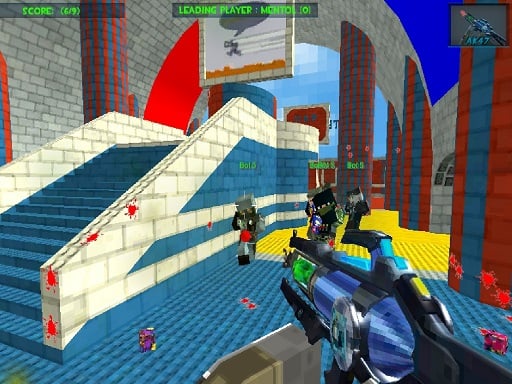
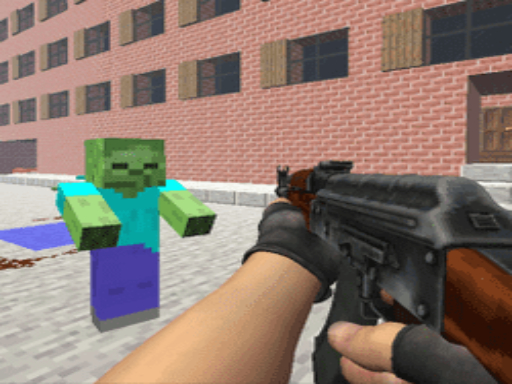
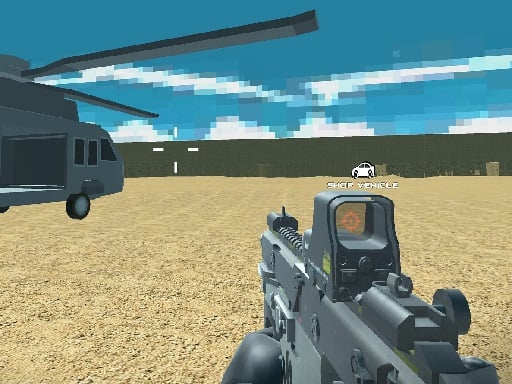
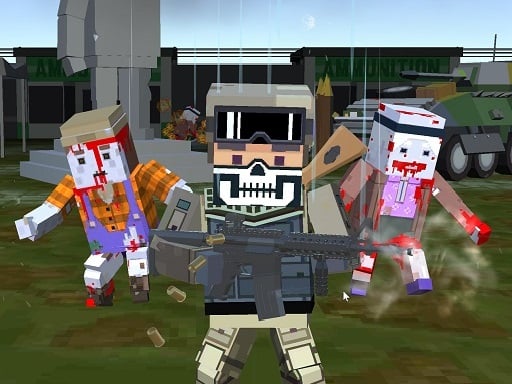
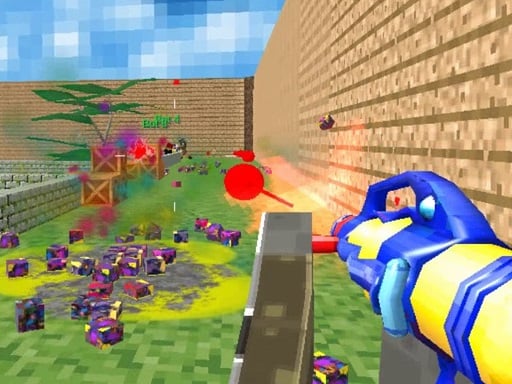
Eleven real frames from build H-4 and the arena maps — menus, HUD, voice listening and the blocks you can tear out.


Captured from LAVOICE build H-4 running in a browser, October 2026. The game and its visuals belong to the developer; this is an independent fan portal.
03 / HOW TO PLAY
The official control table, shortened. The game also has its own settings and a microphone test.
Open the game above, choose TRAINING and pick the original arena. Hold V to speak, tap V once to extract material, and press T if you would rather type. On a phone the touch controls are not adapted for a shooter — use a desktop browser for the real thing.
BACK TO THE GAME ↗LAVOICE is a free voxel arena FPS by Tsomyst. You hold V and say what you want — “I want a shotgun that fires walls” — or you press T and type it. The game does not generate anything from scratch: it fits your request onto concepts it already knows and assembles the result out of blocks pulled from the arena.
That is the whole loop. Nobody starts with a gun. You tap V once to enter extraction mode, aim at the scenery, and rip blocks out of the world to fill your MATÉRIA meter. Every request spends material, so the arena slowly disappears around you as the match runs on. Longer sentences cost more blocks.
The desktop build shipped on 2026-10-20 and was updated to build H-4 on 2026-10-27 — a 521 MB zip for 64-bit Windows 10/11 with DirectX 12. Recognition on that build runs on your own machine with no internet connection, in English and Portuguese, and the developer states that no generative AI was used. This portal runs the same game compiled to WebAssembly, with your browser’s Web Speech API doing the listening.
A match is 2 to 4 people: same LAN, over a Radmin VPN, or against bots. There is no matchmaking queue and no server browser — the host opens a room and shares an IP. If a phrase misses, the build shows NÃO ENTENDI and tells you what it heard, so you can shorten the sentence and try again.

05 / BEFORE YOU PLAY
Browser play, voice control, desktop download, mobile support, creators, and what to do when the game does not load.
LAVOICE is a free voxel arena shooter by Tsomyst. You say what you want and the game builds it out of blocks from the map. You can play it in this browser, or download the free Windows build.
Yes — right here, free. The browser build runs on WebAssembly, so the first load pulls roughly 70 MB and takes 10 to 30 seconds on a normal connection; after that it is cached. Voice control needs a microphone and works best in Chrome, Edge or Safari. Firefox does not implement the Web Speech API, so there the on-screen console (press T) takes over. The game itself supports voice commands in English and Portuguese.
Keyboard and mouse. Hold V to speak your request, tap V once to extract material, press T to type instead of talking, WASD to move, Space, Shift and C to jump, sprint and crouch, left click to fire, right click to aim, mouse wheel for the third-person camera, Caps Lock to talk to your team, and Esc for options.
The official free Windows build is LAVOICE-H4-Windows.zip (521 MB), mirrored here. There is no Steam page, and no public macOS, Linux or Android build yet.
Not officially yet. A mobile version was announced in the devlog on 2026-10-25, but there is no public APK and Google Play does not list the game. The browser build here does open on a phone, but the touch controls are not adapted for a shooter — use a desktop browser for the real experience.
Tsomyst is the developer behind LAVOICE. This portal is an independent fan site running the same game in a browser; it is not affiliated with or endorsed by the developer.
The build is about 70 MB, so give it time on a slow connection and check that you are not blocking content from s.kingdomofmarionettes.net. If the microphone is blocked, allow mic access for this site — that is what voice control needs. If the frame stays black, reload the page; the engine caches the pack after the first successful load.


